
Shoes
Sneaker shortlist
Explore shoes →Read the shoes guide →
Opens the full catalog in a new tab. Check whether the listing can be ordered through OopBuy.
PRODUCT LINKS & GUIDES
An OopBuy spreadsheet is a directory of product links. Browse our selected shoes, clothing and accessories, compare prices and open full listings.
FIND YOUR STARTING POINT
Choose a category, compare a few finds, then check fit, photos and costs.
01 / SHOP BY CATEGORY
Explore selected finds, sizing advice and buying guides by category.
Sneaker shortlist
Explore shoes →Read the shoes guide →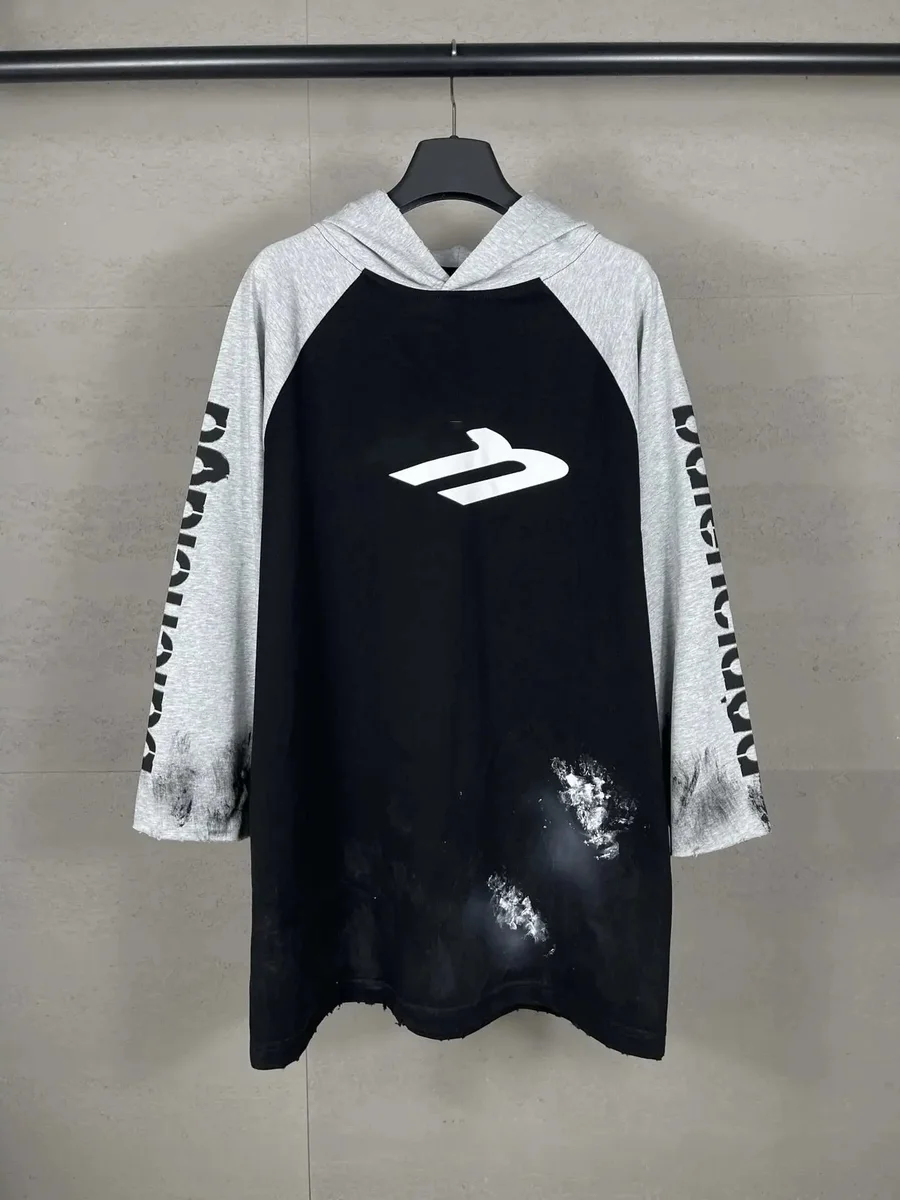
Pullovers & zip-ups
Explore hoodies →Read the hoodies guide →
Everyday tops
Explore t-shirts →Read the t-shirts guide →
Jackets & vests
Explore outerwear →Read the outerwear guide →
Jeans & relaxed styles
Explore pants →Read the pants guide →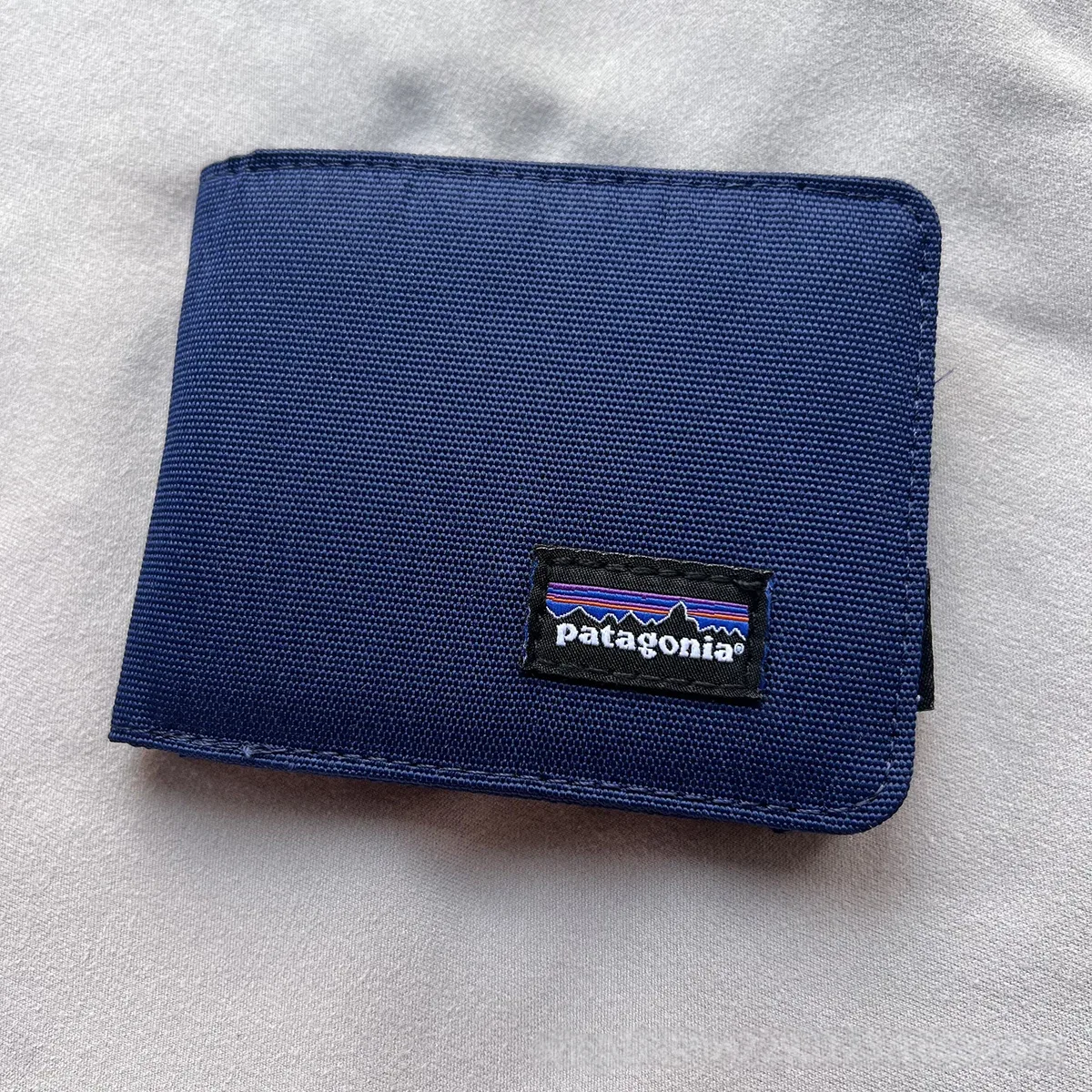
Wallets & everyday carry
Explore accessories →Read the accessories guide →
Backpacks, totes & duffles
Explore bags →Read the bags guide →
Plain, panelled & printed
Explore shorts →Read the shorts guide →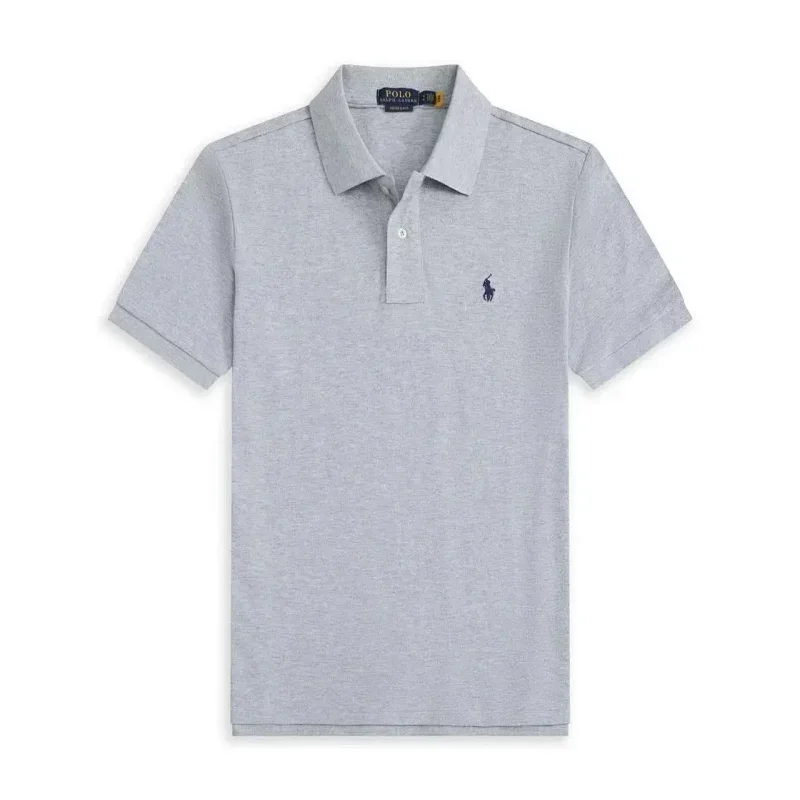
Short & long sleeves
Explore polo shirts →Read the polo shirts guide →
Caps & beanies
Explore headwear →Read the headwear guide →02 / SELECTED PRODUCT FINDS
Explore 30 selected finds: classic sneakers, everyday layers and simple accessories. Open any card for its current options and full listing.

≈ $43.82¥315.48
View product details ↗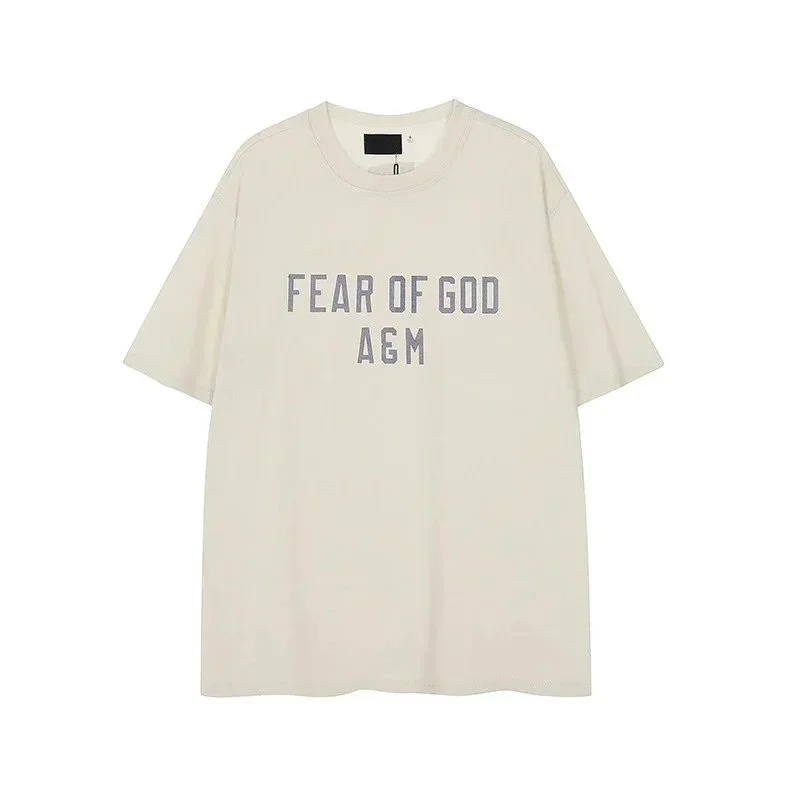
≈ $11.67¥84
View product details ↗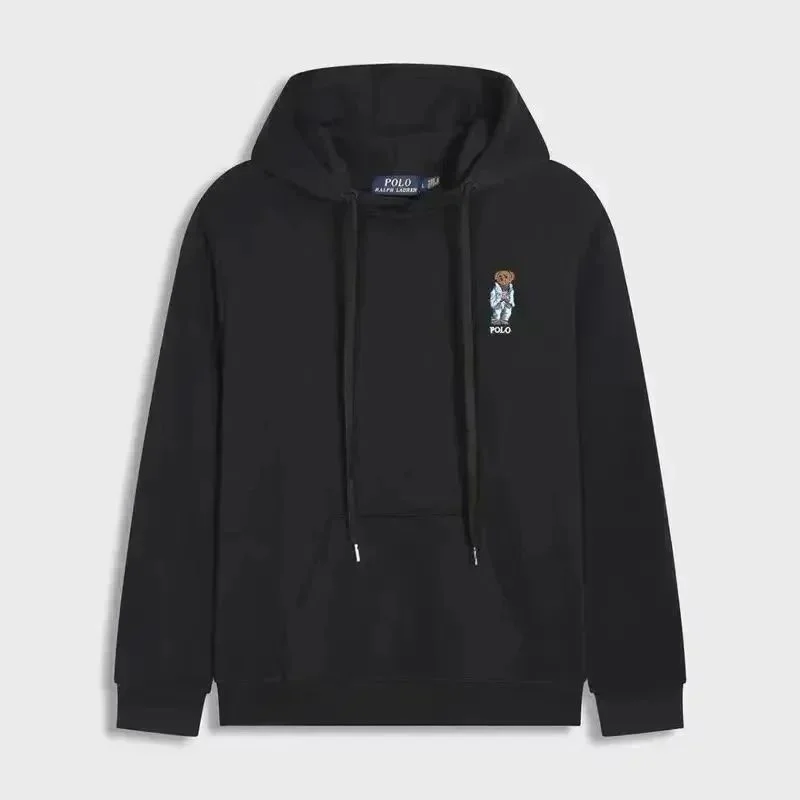
≈ $31.33¥225.6
View product details ↗
≈ $27.50¥198
View product details ↗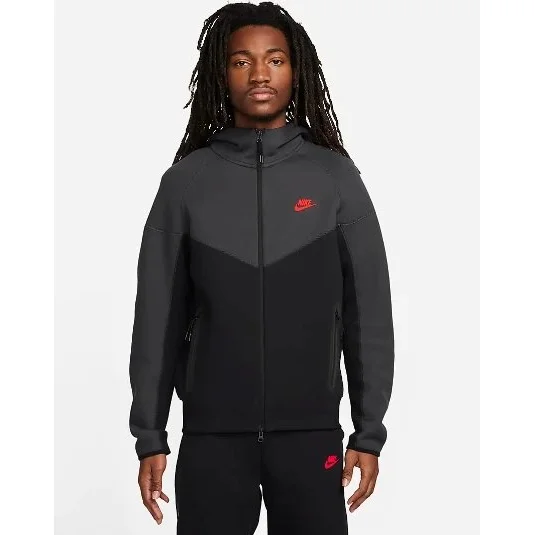
≈ $51.33¥369.6
View product details ↗
≈ $12.33¥88.8
View product details ↗
≈ $36.48¥262.68
View product details ↗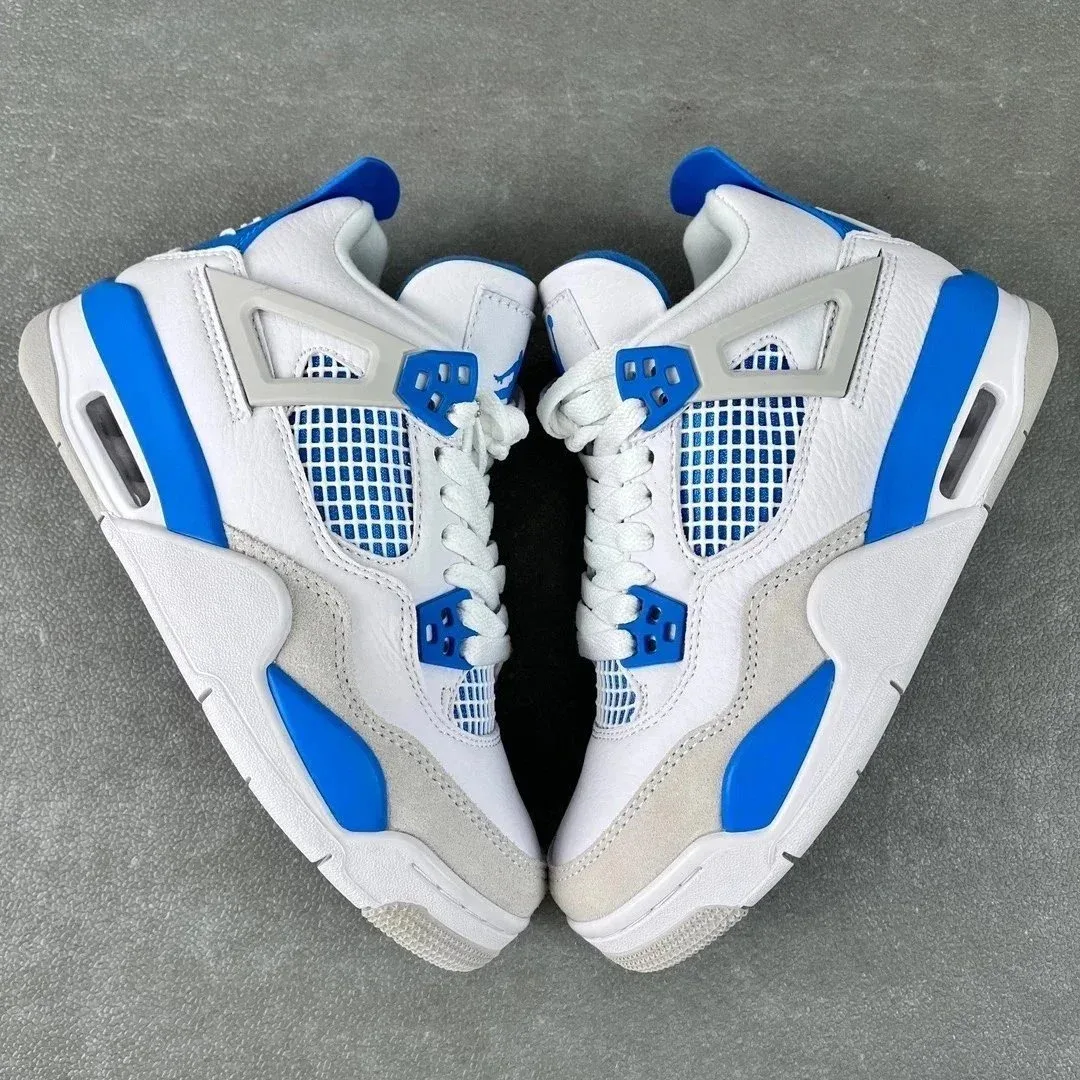
≈ $27.50¥198
View product details ↗
≈ $11.67¥84
View product details ↗
≈ $20.00¥144
View product details ↗
≈ $31.39¥226
View product details ↗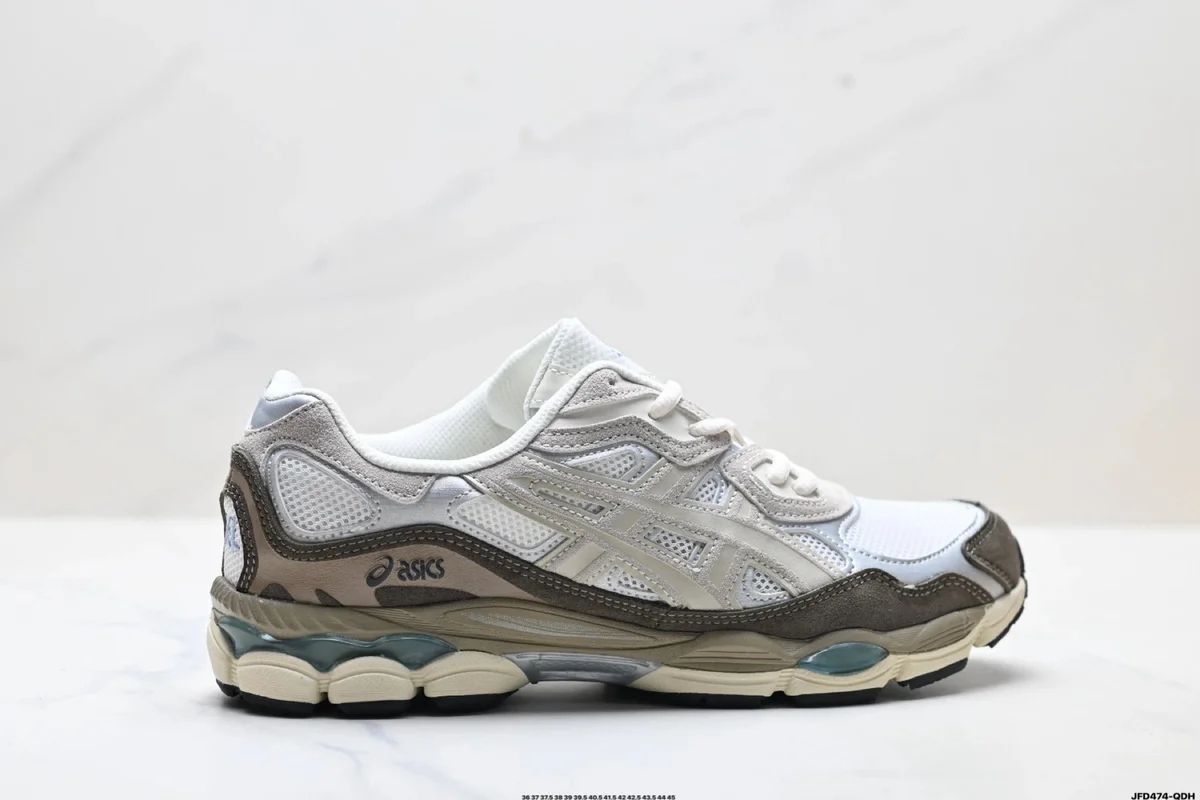
≈ $24.00¥172.8
View product details ↗
≈ $40.42¥291
View product details ↗
≈ $36.48¥262.68
View product details ↗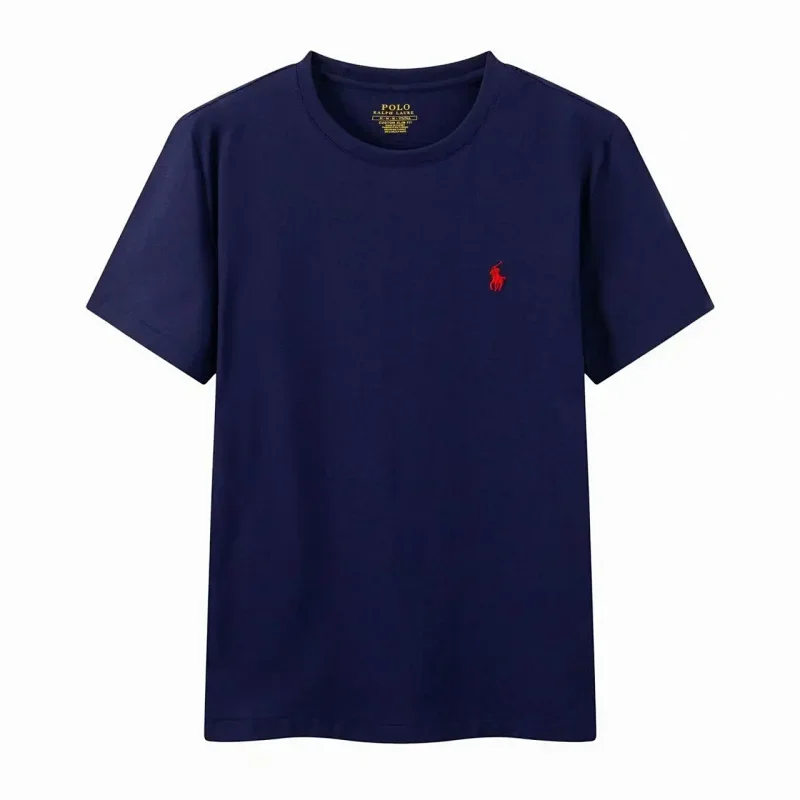
≈ $10.42¥75
View product details ↗
≈ $12.33¥88.8
View product details ↗
≈ $35.97¥259
View product details ↗
≈ $33.33¥240
View product details ↗
≈ $36.50¥262.8
View product details ↗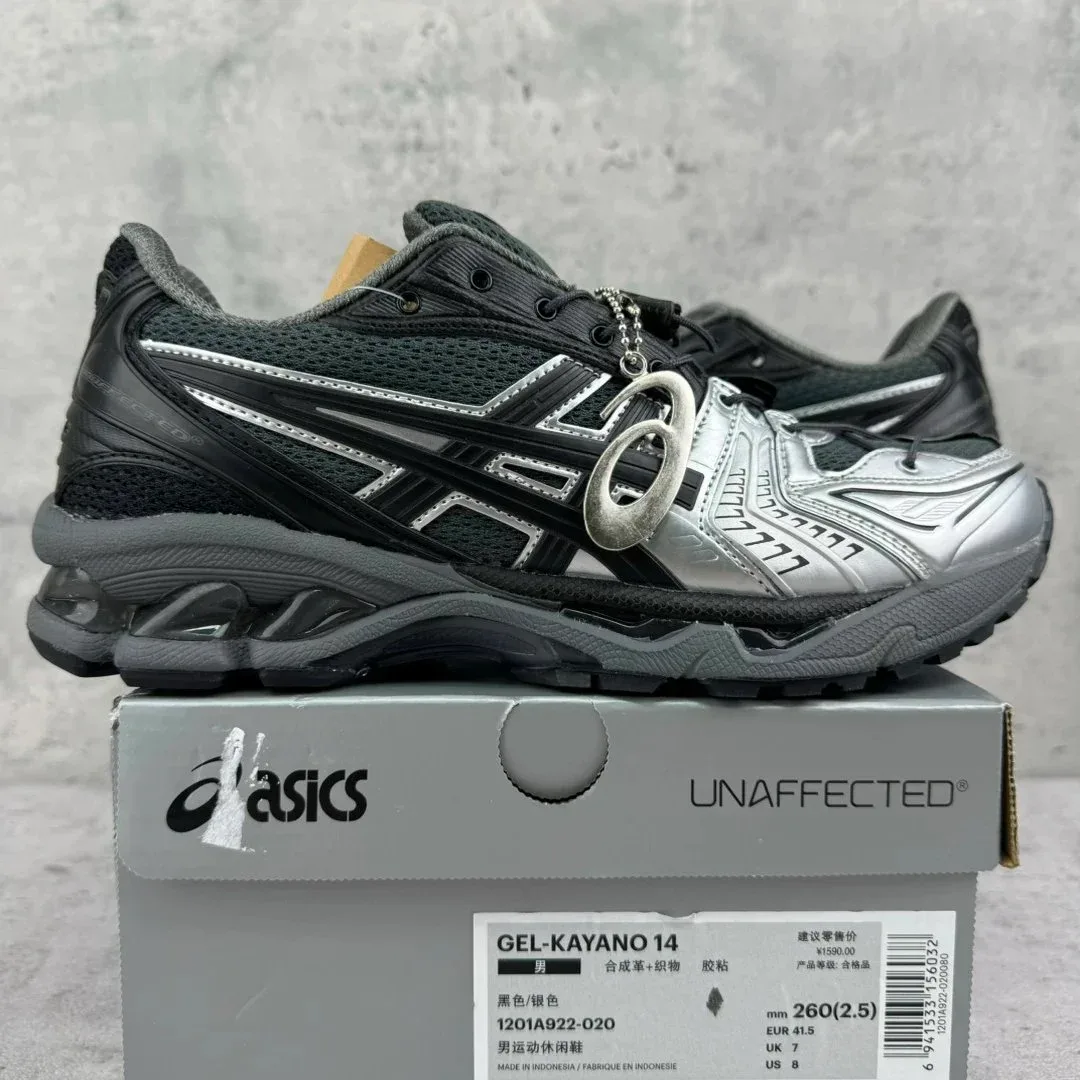
≈ $26.00¥187.2
View product details ↗
≈ $8.17¥58.8
View product details ↗
≈ $27.00¥194.4
View product details ↗
≈ $12.33¥88.8
View product details ↗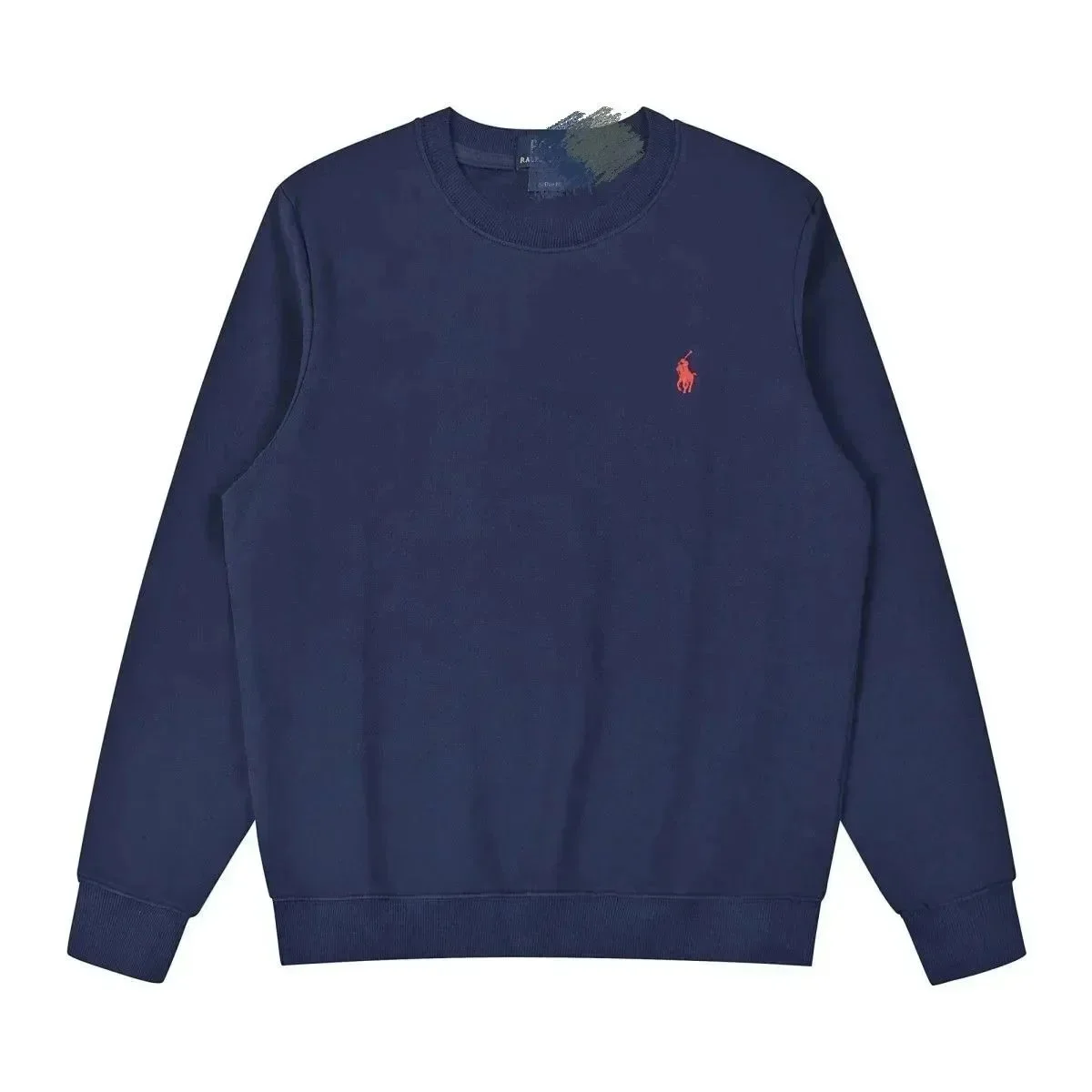
≈ $28.00¥201.6
View product details ↗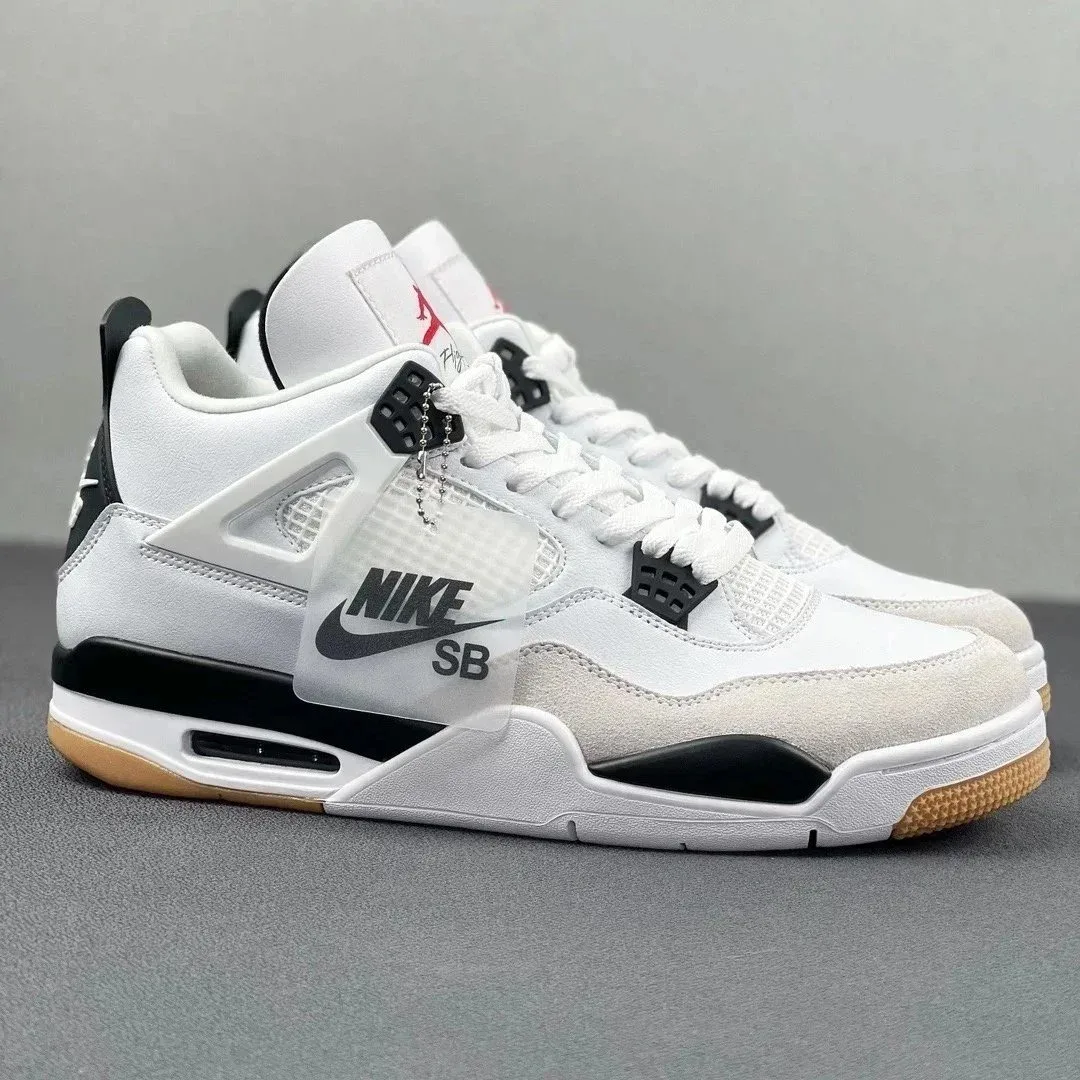
≈ $27.50¥198
View product details ↗
≈ $16.53¥119
View product details ↗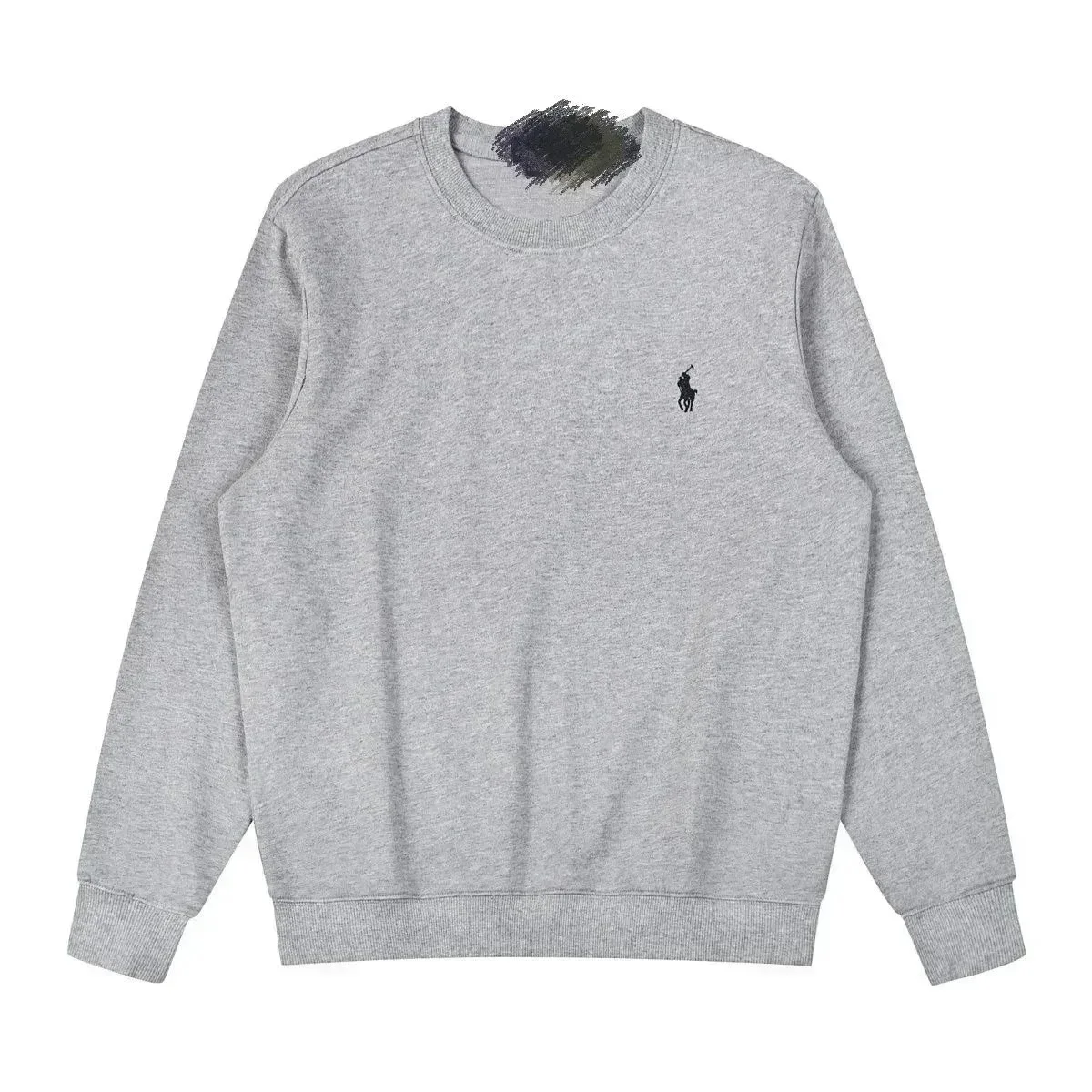
≈ $28.00¥201.6
View product details ↗
≈ $20.00¥144
View product details ↗
≈ $36.33¥261.6
View product details ↗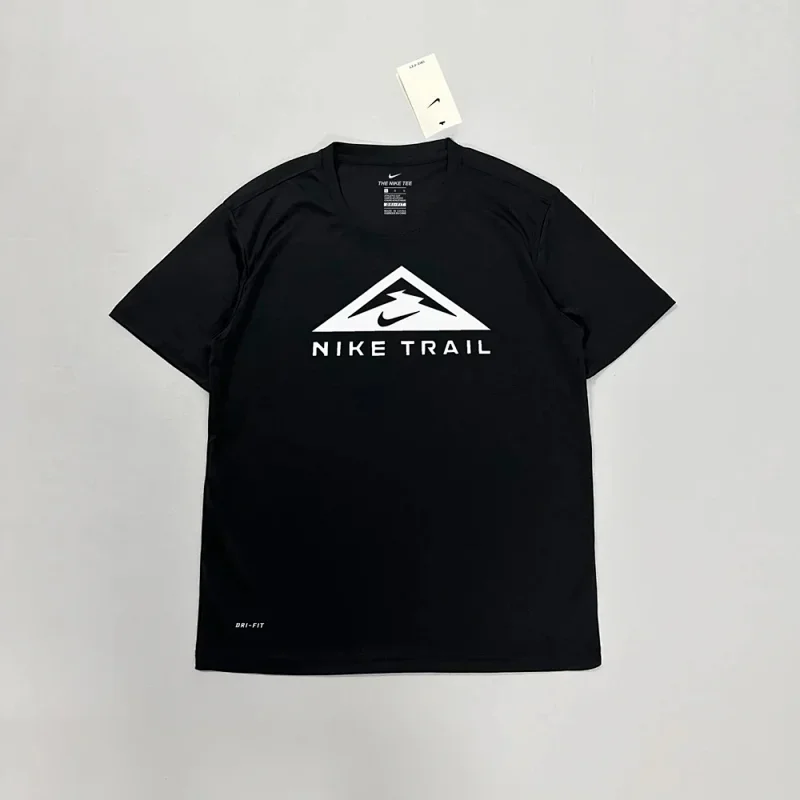
≈ $10.97¥79
View product details ↗Listing-price snapshot: . USD figures use a reference rate of ¥7.20 per $1; they are not an OopBuy checkout quote. Shipping, exchange-rate differences and any other charges are excluded. Confirm the current price and options on the full listing. Brand and material names are catalog descriptions, not independent verification of the product.
03 / BUYING BASICS
Understand the roles, the price and the order stages before you continue.
The seller supplies the item. OopBuy handles purchasing and warehouse services. This guide helps you find a listing and choose what to check.
Official buying guide ↗Prices show approximate USD first, converted from saved CNY listing prices at ¥7.20 per $1, before shipping. Check the current amount and currency for your exact variant when paying.
Price & currency checklist →Item payment, warehouse arrival and international shipping are separate stages. Review the order’s photos and storage deadline before arranging its parcel.
Warehouse & storage checklist →Official buying and storage guidance checked . The listing-price snapshot dates appear above.
04 / PRACTICAL BUYING GUIDES
Ordering, budgeting and photos each have their own checklist.
Match the listing and options, understand the order stages and keep warehouse deadlines with your notes.
Read the guide →YOUR BUDGETSeparate item prices from parcel costs. Save the quote inputs, currency and charges before comparing routes.
Read the guide →PHOTO CHECKSIdentify the image source, compare visible details and ask a specific question when a view is missing.
Read the guide →From the blog
Finding products
Keep the original product details and work out which part of the link needs checking.
Read article →Warehouse decisions
Decide what to do with each stored item before treating everything as one ready parcel.
Read article →Returns before shipping
Separate submitting a request from the seller agreeing to a return and the refund being completed.
Read article →05 / COMMON QUESTIONS
A little context for your first
OopBuy spreadsheet find.
We review the selected catalog record, preview image, title, category and saved price. Product links use that record’s listing address; destination pages are spot-checked, not continuously monitored. These checks do not establish authenticity, fit or product quality. Open the current listing and review the photos for your own order.
How we check previews and use sources →Each product opens in the full catalog, where you can explore the listing in more detail. This page is a short selection, not a checkout.
No. It is a saved listing-price reference. OopBuy’s buying guide separates product payment from international shipping; shipping depends on weight, delivery method and destination. Check the quote for your own order.
OopBuy Beginner’s Guide ↗These are catalog images from the linked product catalog. OopBuy’s guide describes warehouse photos taken after items arrive. Review the photos for your own order; a listing image is not an inspection photo of your item.
OopBuy Beginner’s Guide ↗THE NEXT STOP